ROBOT HEAD
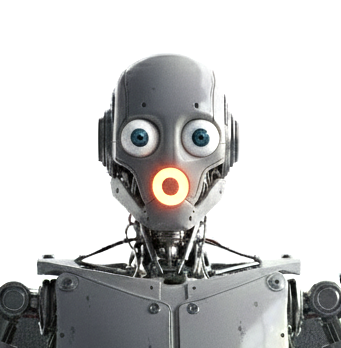
Presenting an AI possible final 3D render of a Robot Head. It's a detailed example of the end goal. I simply wanted to know how to animate eyes. Once I designed its functionality in 3d format, I decided, "Hey-it needs a face." I want to allow the user to place Skelabot in the head of the robot in order to animate it or bring it to life.
What does Robot Head do?
Place Robot Head in desired location and watch it bring your environment to liife. With Skelabot inserted, Robot head will animate it's eyes and led mouth in reaction to TTS (Text to speech).
What are Robot Head features?
- Control robot eyes (blinking lids and eye rotation).
- Mouth led light is reactive to audio output.
- Mouth light is reactive to TTS (Text to speech)
TECHNOLOGY WORK IN PROGRESS IMAGES


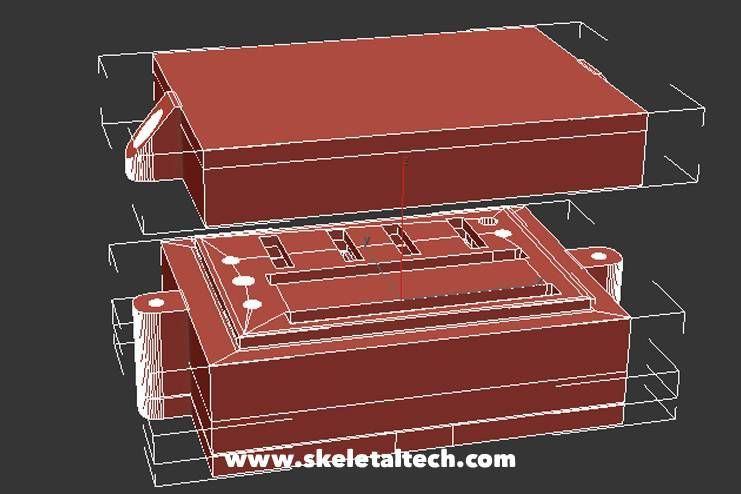
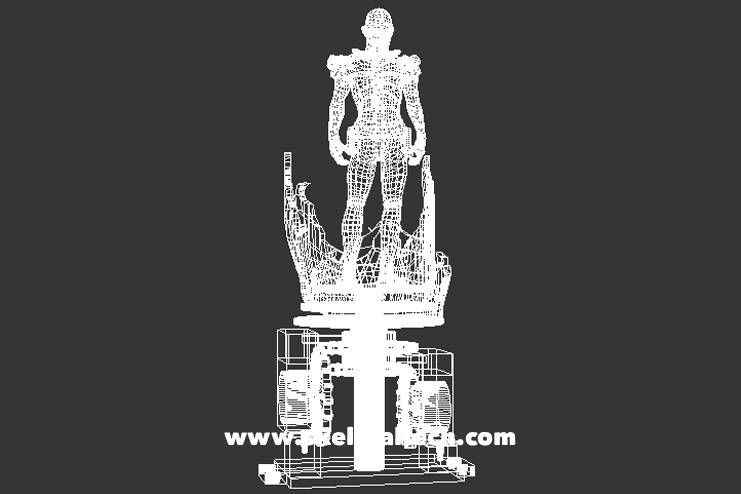
Here are my 3d designs, all of which are print ready. From the early stages of the flappy winged bat, boxed version of Skelabot, robot eyes, or animated power up effect product.
TECHNOLOGY WORK IN PROGRESS VIDEOS
JULY 2025
"In this phase, I focused on providing users with full creative control over Skelabot by allowing them to keyframe animations, LED sequences, and audio. This stage was a significant learning experience for me. As the design of the 'Function Box'—which serves as the core of Skelabot—evolves, it is becoming much sleeker than earlier iterations. My goal has been to integrate components like the 9V battery and microcontrollers into a more compact form, refining the internal layout so everything fits perfectly within a streamlined square or sphere."
MAY 2025
Before the bat had more structure, I was focused on its animation and functionality.
MAY 2025
"My journey began as a concept artist, then a 3D artist, and later a programmer; now, I am evolving into a tech developer. This video represents the early stages of bridging that gap—learning to package complex functionality into what was supposed to be sleek product form. Though I wasn't quite sure of the final version or the direction, so I decided to present a template for consumers. For me, understanding the hardware was just as vital as mastering the software."
MAY 2025
I had the imagination, but I knew I needed to figure out was it possible to bring it to life while using the bare minimum. So that meant understanding circuitry based on the type of products I wanted to make.